More Colors
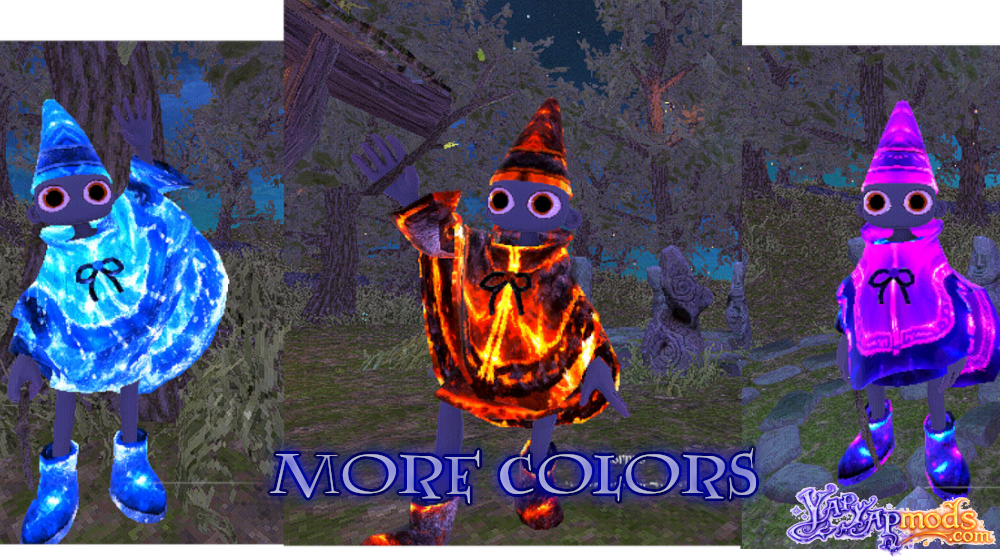
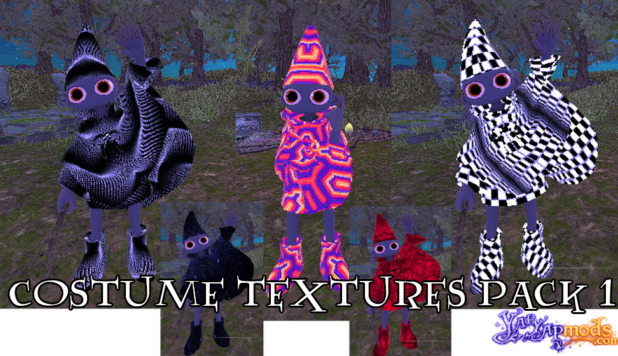
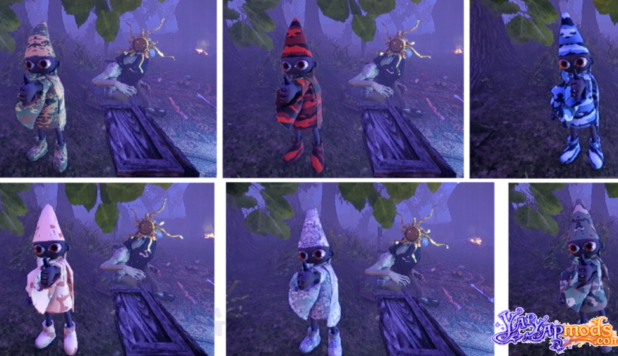
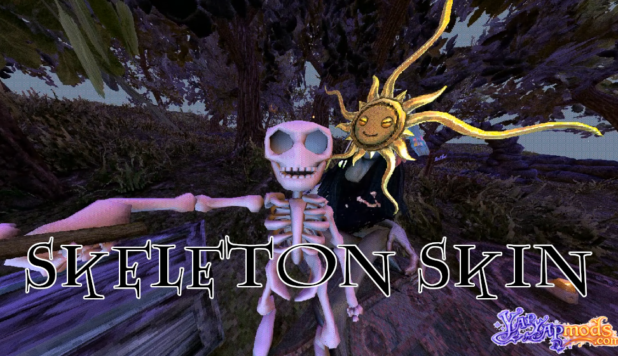
More Colors is a lightweight extension library that adds custom costume color and skin support to the game.
It introduces three example custom colors out of the box and provides a simple, no-code system that lets other mods register their own textures with ease.
This mod is designed to act as a base dependency for color packs and costume mods, ensuring compatibility so everyone can see the same custom visuals.
FEATURES
- Includes 3 example costume colors by default
- Supports adding new costume colors while the game is running
- Allows other mods to load PNG textures from their own plugin folders
- Add new skins using only image files and a simple text config
- Easy-to-edit, human-readable format
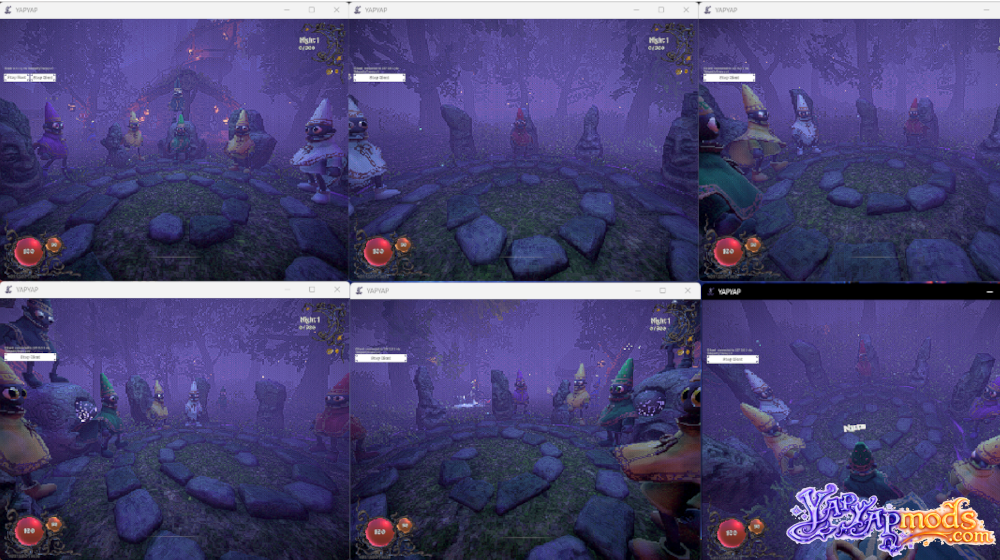
- Client-side mode: all players must have More Colors installed for custom colors and costumes to be visible to everyone
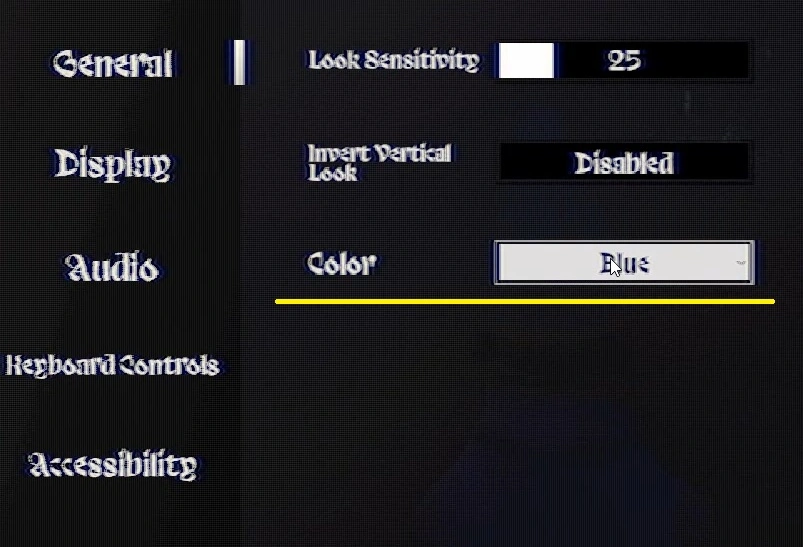
Costumes can be changed in Settings. While in-game, ESC – > Color:
Adding Your Own Costumes to YAPYAP
Any mod can define new costume colors by providing a PNG texture and a small configuration file.
Step 1: Create Your Texture
Save your costume texture as a PNG file
Example: myskin.png
Step 2: Place the File
Put the PNG file inside your mod’s plugin folder
Step 3: Create the Config File
Create a text file named:
Konami_Code.txt
Place it in the same folder as your PNG file
Configuration Format
The configuration file is read top to bottom and uses a simple Key: Value structure.
Supported Keys:
- Author – Sets the creator name (applies to all entries below it until changed)
- Name – Display name of the costume or color
- FileName – Exact PNG file name, including the .png extension
- <Language>-Local – Optional localization key. Example: Russian-Local is treated as localization. See example below
The archive already includes configuration file for 3 extra costume colors.
Example code:
Author: Omniscye
Name: Neon Pink
FileName: omnipink.png

Name: Cool Blue
FileName: coolblue.png
Example with localization:
Author: Omnsicye
Name: Lava
English-Local: Lava
ChineseSimplified-Local: 岩浆
ChineseTraditional-Local: 岩漿
French-Local: Lave
Japanese-Local: 溶岩
Korean-Local: 용암
FileName: omnilava.png

Name: Neon
French-Local: Néon
Japanese-Local: ネオン
FileName: omnineon.png
Requires: BepInEx 5 and Yap Localizer
How to Install
- Install BepInEx if it is not yet installed.
- Download and unzip the More Colors mod to YAPYAP\BepInEx\plugins
If you have any problems installing this or any other mod for YAPYAP, read this guide.