Frog Data Library
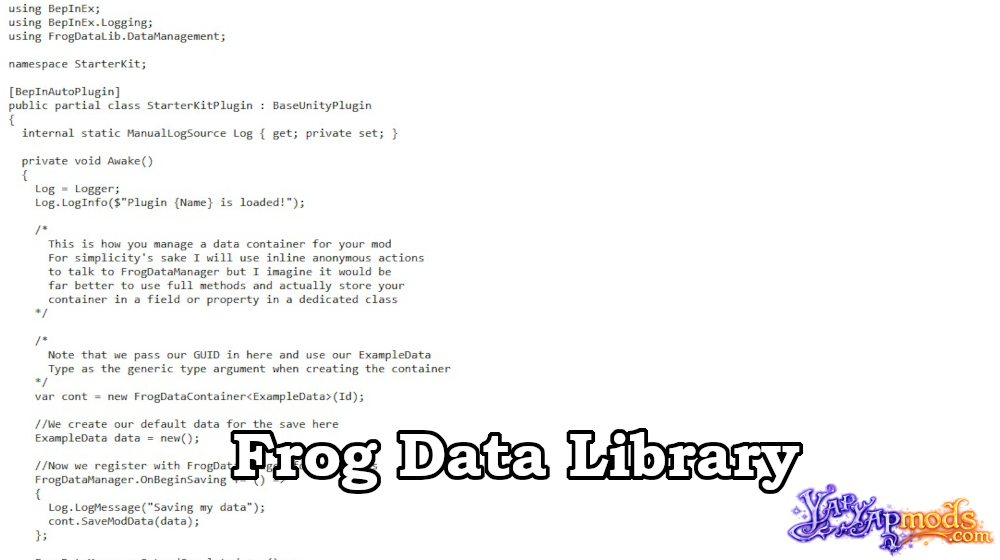
Lightweight data persistence framework for YAPYAP Mods.
Frog Data Library is a modular data persistence system that allows YAPYAP mod developers to safely save and load custom data without polluting vanilla save files.
Instead of injecting data into the game’s save structure, FrogDataLib stores mod data in external “sidecar” files that stay synchronized with the player’s active save slot.
FEATURES
Zero Save Pollution
- Stores mod data in:
%AppData%/LocalLow/maisonbap/YAPYAP/FrogData/ - Keeps vanilla save files clean and untouched
Automatic Slot Synchronization
Automatically handles:
- Saving
- Loading
- Deleting
Data stays tied to the currently active save slot.
Type-Safe Design
- Uses a generic pattern:
FrogDataContainer<T> - Strongly typed serialization for safer development
Corrupt-Data Protection (Frog Sentinel)
- Uses an internal sentinel value: 8675309
- Detects silent Unity
JsonUtilitydeserialization failures - Prevents saving/loading if serialization fails
Two-Tier Deserialization
- Internally stores mod data as strings
- Serializes only when needed
- Prevents
TypeLoadExceptionissues when modifying mods on an active save. Still not recommended to change data models mid-save.
Developer Guide
Define Your Data Model
Your data class must:
- Inherit from
FrogDataModel - Be marked with
[Serializable]
using FrogDataLib.DataManagement;
using System;

[Serializable]
public class MyModData : FrogDataModel
{
    public int PlayerKills;
    public string FavoriteFrogName;
}
Initialize the Container
Create a container using a unique GUID (usually your mod ID).
private FrogDataContainer<MyModData> _dataContainer;

void Awake()
{
    _dataContainer = new FrogDataContainer<MyModData>("com.yourname.mymod");

    FrogDataManager.OnBeginSaving += SaveMyData;
    FrogDataManager.OnLoadCompleted += LoadMyData;
}
Use Your Data Normally
myData.FavoriteFrogName = "Gertrude";
Saving and Loading
Use FrogDataLib’s built-in events to stay synchronized with the game session.
// Called when the player clicks "Save"
private void SaveMyData() =>
    _dataContainer.SaveModData(myData);

// Called after a save slot finishes loading
private void LoadMyData()
{
    MyModData data = _dataContainer.GetModData();
    Debug.Log($"Loaded: {data.FavoriteFrogName}");
}
Important Notes
Frog Sentinel
If your model is not marked [Serializable], Unity’s JsonUtility may silently fail.
In this case:
- Sentinel value becomes
0 - FrogDataLib blocks saving/loading
- Prevents accidental data loss
Session Cleanup
- Use the
OnSessionEndedevent to clear cached variables when returning to the Main Menu.
Requires: BepInEx 5
If you have any problems installing this or any other mod for YAPYAP, read this guide.